
The gear lists all look the same. A laptop, noise-cancelling headphones, a travel router, a stand, a plug adapter. Pleasant to read, and almost none of it is what takes a working day away from you.
What takes the day is duller: the half of the connection nobody measured, a backup that shares a wire with the thing it backs up, two hours of scheduled darkness on a Thursday, a room that is silent in the photographs and sits above a delivery bay. This is what a remote-work setup abroad has to survive, and what to do in the ten minutes after it does not.
Key takeaways
- Upload is the half that fails. A group video call can ask for more upstream than downstream, and the speed test you ran advertises the other number.
- Steadiness beats speed. Delay and jitter decide whether a call is bearable, not raw megabits.
- A backup that shares a wire is not a backup. Ask what your second connection runs on before you rely on it.
- Your laptop has a battery. Your router does not, and nor does the small cell down the road.
- Overlap with your team is the one thing about a location you cannot change after arriving.
The Failure Is Rarely the Whole Internet
Total outages are easy. Nothing loads, everyone sees it, you move somewhere else and lose an hour. The expensive failures are partial: pages open, chat sends, files sync, and the video call is a slideshow in which you alone cannot be understood.
That asymmetry is the whole problem. Almost everything a browser does pulls data down. Almost everything that makes you visible at work pushes it up — camera, microphone, screen share, the file you are sending rather than fetching. A connection can be excellent at one and hopeless at the other, and every consumer-facing measurement of it leads with the number that flatters it. So the useful question is never "is there internet here" — it is whether the room can push, steadily, with the lights on, quietly enough to be heard.
Upload Is the Half Nobody Tests
Video conferencing vendors publish their requirements, and one line of Zoom's carries the whole argument: a group call at 720p wants 2.6 Mbps up against 1.8 Mbps down. The upstream figure is the larger of the two. Microsoft's recommended figure for Teams video is 1.5 Mbps each way, rising to 4 Mbps for best performance.
| What you are doing | Up | Down |
|---|---|---|
| Voice only | 60–80 kbps | 60–80 kbps |
| Screen share, no camera | 50–75 kbps | 50–75 kbps |
| One-to-one video, 720p | 1.2 Mbps | 1.2 Mbps |
| Group video, 720p | 2.6 Mbps | 1.8 Mbps |
| Group video, 1080p | 3.8 Mbps | 3.0 Mbps |
Two things follow. A call is cheap in absolute terms — a few megabits, not tens — so the headline speed a property advertises is almost never the binding constraint. And the constraint sits on the side most connections are worst at: cable and fixed wireless are asymmetric by design, and a mobile cell is asymmetric by behaviour, because uplink is shared, weaker at the cell's edge, and the first to degrade in the evening.
Test accordingly. Run the speed test, then ignore the big number and read the small one. Better still, join an empty meeting from the room you will work in, share your screen with the camera on, and leave it running ten minutes. That measures what you care about under the conditions you will have.
Delay and Jitter Decide Whether a Call Is Bearable
Past a few megabits, speed stops helping and consistency starts mattering. Three numbers describe it: latency, the time a packet takes to arrive; jitter, how much that time varies; and loss, the packets that never turn up.
150 ms
the upper bound of ITU-T G.114's preferred range for one-way delay
ITU-T Recommendation G.114 puts one-way delay under 150 ms in the preferred range, treats 150 to 400 ms as acceptable with rising degradation, and calls anything past 400 ms generally unacceptable. That is where the familiar failure comes from — two people talking over each other, apologising, then both stopping. Nobody involved has a slow connection. They have a long one.
Distance cannot be fixed: a satellite hop, or a route that leaves the country and comes back, adds delay no bandwidth removes. Jitter and loss usually can be, because they usually come from the last few metres — an access point behind two concrete walls, a channel overlapping with a neighbour, a device saturating the uplink with a cloud backup. A cable to the router removes most of that in one move, which is why an ethernet adapter earns its weight.
The Second Connection That Is Not a Second Connection

A backup is only a backup if it fails for different reasons than the thing it replaces. Different wire, different mast, different power — otherwise it is one outage arriving twice.
Everyone knows to carry a second way online. Fewer check that it is independent of the first, which is the only property that matters.
Three ways a spare turns out to be the same connection. Your phone can be quietly joined to the very wireless network you are trying to escape, so a hotspot from it changes nothing. Two mobile plans can ride one physical radio network, because operators rent capacity from each other and your phone shows a different name for the same mast. And a whole building can share one fibre into the street, which is why a block goes quiet at once while phones carry on working.
This is the one place where what we sell is genuinely the answer, so here it is plainly and once. A travel data plan on your phone is a real second path, because it arrives down a mast rather than down your building's wire — provided you check which networks it can reach where you are going. Buy it before you fly, install it while you still have a connection you trust, and use it once on arrival, so you learn it works on a quiet afternoon rather than four minutes before a call. Our destination pages show what is available where, and what an eSIM is covers the mechanics. Then measure it upstream, on a real call: a backup you have never tested is a belief, not a plan.
Power, and the Two Hours You Cannot Control
Power is the failure people prepare for least and control least. Some places run planned outages on a published schedule; others have unplanned ones often enough that residents treat them as weather. Either way the shape is the same: a block of hours in which the room is fine, you are fine, and nothing in the room works.
The laptop is the only device in the room with a battery. The router has none, nor does the fibre terminal, nor in many cases the small cell serving the neighbourhood — large masts usually hold a reserve, small ones often do not. So a cut takes your connection first and your laptop hours later, and the laptop is the thing you spent money making resilient.
Warning
Where outages are managed in blocks, check the schedule for the neighbourhood, not the country. Two streets can sit on opposite rotations, and a listing will never mention it.
The mitigations are unglamorous and they work. A small uninterruptible supply under the router keeps a household connection alive through short cuts, for less than one lost day costs. Knowing one café within walking distance that has its own generator turns a lost day into a lost hour. And find out early whether mobile data survives when the flat's power does not, because in many places it does — which quietly makes the phone the whole contingency.
Timezone Overlap Is a Constraint, Not a Lifestyle Note
Every other item here can be repaired after arrival. This one cannot: you either share working hours with the people who need you or you do not, and no equipment changes it. Treat it as the first filter on a location, not a detail for later.
The number to work out is not the offset but the overlap — how many hours of a working day exist in both places at once — and where it sits, because four hours at the start of your day is a different job from four at the end.
| Offset | What the day becomes |
|---|---|
| Up to 3 hours | Ordinary work. Meetings land where they like. |
| 4 to 6 hours | A window of three or four hours, to be defended. |
| 7 to 9 hours | One end of your day meets one end of theirs. |
| 10 hours or more | Written work only. A live meeting costs somebody sleep. |
Book the overlap as a recurring block in your own calendar and defend it, because it is the only genuinely shared part of the day. And check what happens when the clocks change — regions shift on different dates, so a comfortable four-hour overlap becomes five for a fortnight in spring and again in autumn, unannounced.
Noise, and What a Booking Photograph Does Not Show
A listing photograph is taken on a quiet morning, from inside, with the window shut. It cannot show the school opposite at three, the delivery bay under the bedroom, the bar that puts its speakers outside in summer, or the renovation two floors up.
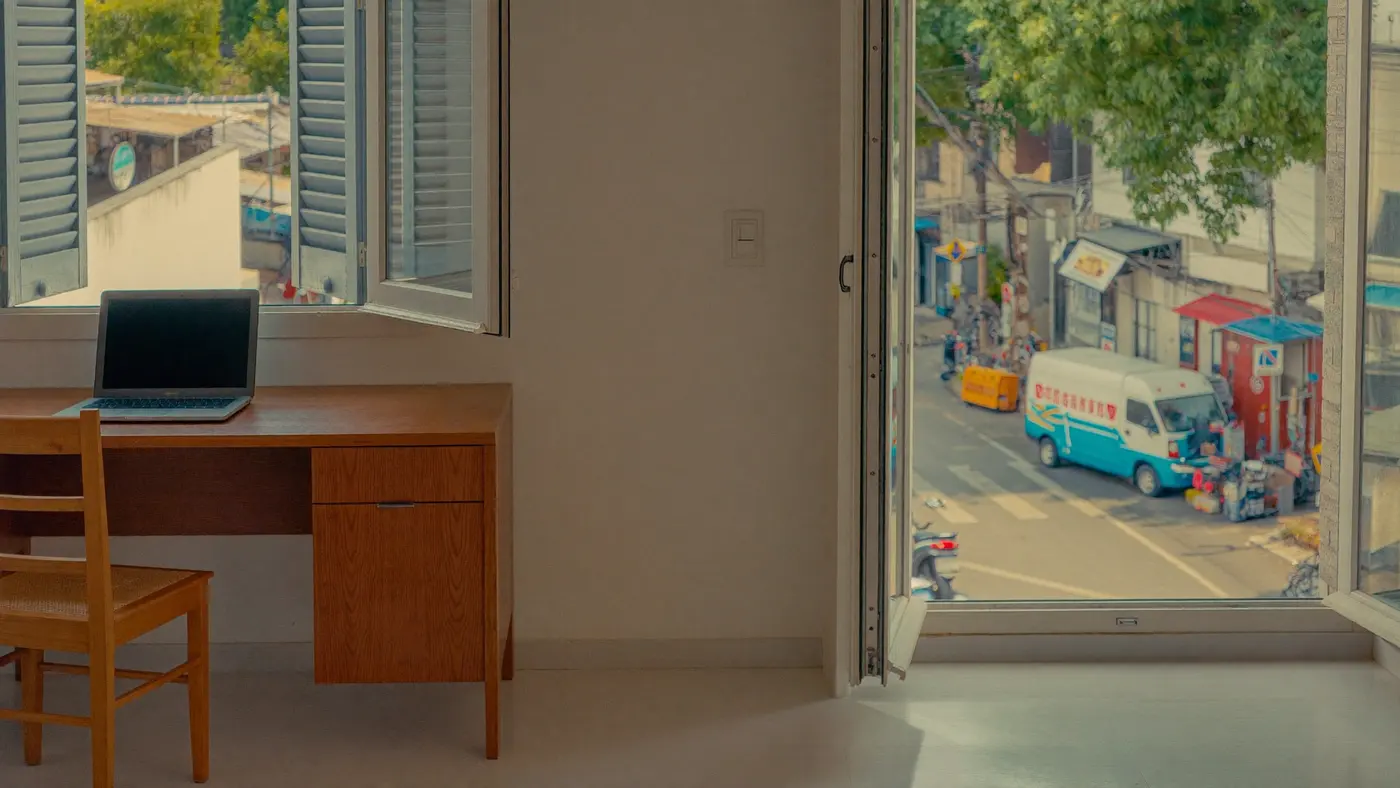
Noise matters more than it used to, because it is now audible to other people. Headphones fix what you hear, not what your microphone sends, and every call platform amplifies quiet speech — which means it amplifies the room whenever you stop talking.
What helps, in order of effect. Read reviews for the words rather than the score — search them for "noise", "street", "traffic", "construction" and "thin walls", because one complaint about drilling is worth more than a rating out of five. Ask the host what is below the window and what is opposite; the answer, or the absence of one, is informative. And on the first morning, record thirty seconds of yourself talking and listen back on headphones — you will hear the room the way your colleagues do, which is not how you hear it.
The First Ten Minutes after it Breaks
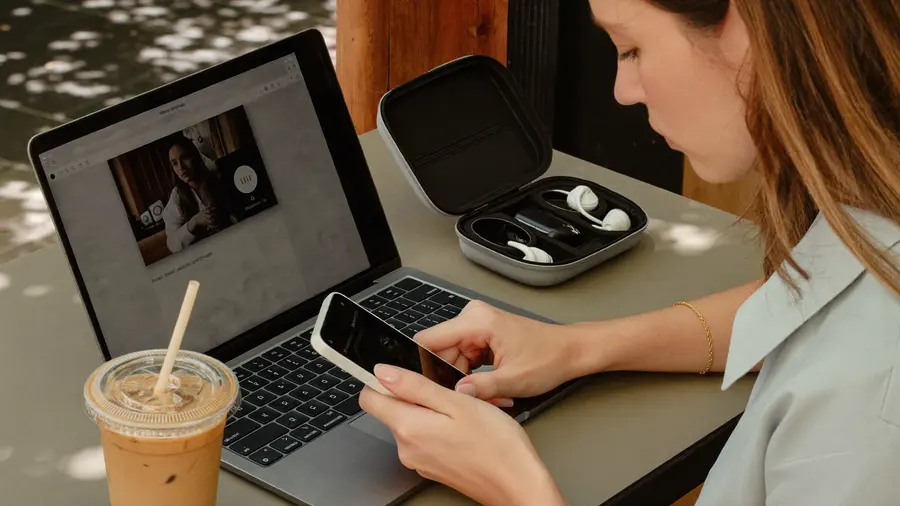
The first minute is a message, not a repair. A colleague who knows what happened waits; a colleague watching a frozen frame draws conclusions about you.
Something will fail during a call eventually, and the difference between an incident and a reputation is what you do next. Decide the sequence now, because you will not reason well with nine people waiting.
-
Send one message on any channel that still works
One line: what happened, and when you will be back. Silence is the only damaging option.
-
Drop the camera before you drop the call
Video is almost all of the upstream cost. Turning it off often rescues a call that was about to end, and it takes one tap.
-
Switch to the spare path, not to a different room
Move the laptop onto your phone's hotspot. Changing rooms on the same failing network buys nothing and costs two minutes.
-
Dial in by voice if the platform offers it
A phone line survives conditions that break video. Being heard on a poor line beats being invisible on a good one.
-
If it is not fixed in ten minutes, stop and reschedule
Hand over what the meeting needed, in writing, and move on. Repairing in front of an audience is the part people remember.
Rehearse it once. Join an empty meeting, pull the cable out, run the sequence. It takes five minutes, and it is the difference between knowing the plan and having done it.
What to Ask before You Book
Most of this is decided before you arrive, by four questions a listing will not answer unless asked. What is the upload speed, measured rather than advertised. Is there a scheduled outage pattern for that street, and when. What is below the window and opposite it. And what is the second way online from that address.
A host who answers all four has hosted someone who works. One who answers none is not necessarily a bad host, but you now know to book one week rather than three.
See what data plans are available where you are heading Coverage and options for every destination we sell, so the spare path is arranged before you land.Common Questions
How Much Speed Do I Actually Need to Work Remotely?
Less than most people assume, in the direction most people do not check. Published requirements for high-definition group video sit under 4 Mbps upstream, and voice with a shared screen needs a fraction of that. A steady 5 Mbps up covers nearly all remote work; 100 down with 1 up does not.
Is a Travel Router Worth Carrying?
Sometimes, for one reason: it signs in to a captive-portal network once and keeps everything else connected behind it, and it gives you a cabled connection in a room that only offers wireless. It does not create bandwidth that is not there, and it will not rescue a weak uplink.
Can a Coworking Space Replace Checking the Flat?
As a main workplace, often yes, and it solves noise and power at once. But it has opening hours and a commute, so it answers nothing for an early call or a late one.
How Do I Test a Place I Have Not Arrived at Yet?
You cannot fully, which is why the first morning matters. Run a real call from the desk you intend to use, at the hour you will use it, and treat that as the trial — if it fails, you are still inside the window where changing plans is cheap. What a week of that costs in data is a separate question, and how much data you need answers it.